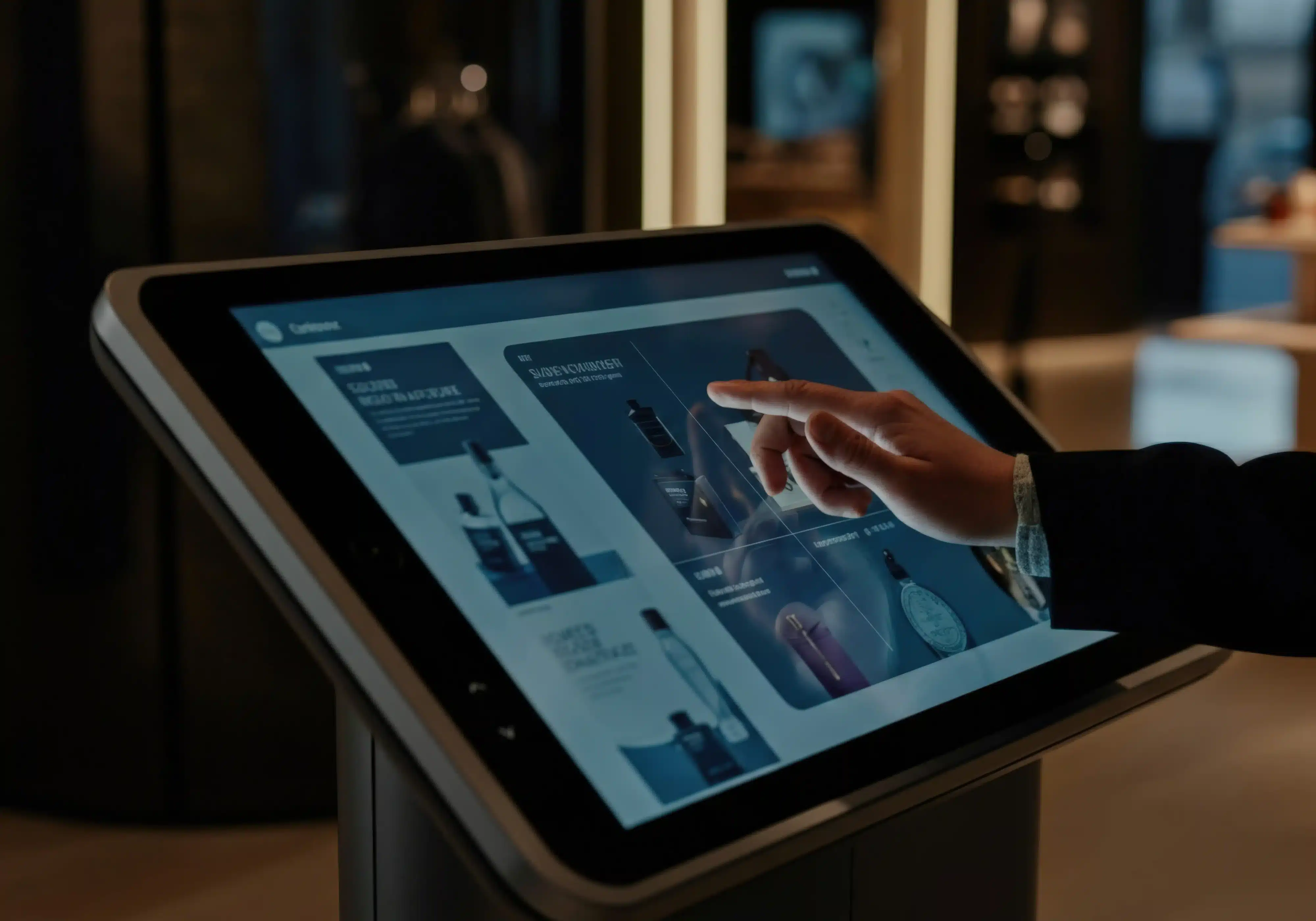
Ever since digital kiosks entered the retail industry, they’ve transformed the way customers shop. Designed for self-service and to create an uninterrupted, convenient shopping experience, kiosks are helping businesses enhance their retail environments. Since retailers are constantly looking for solutions that not only attract customers to their stores but also make their visit hassle-free, digital kiosks are truly a game changer. This blog will help you understand retail kiosks and how these smart tools can optimize the customer experience and boost sales.
What Are Retail Kiosks?
Retail kiosks are innovative digital booths with interactive displays placed in high-traffic areas in retail spaces to help customers find what they need. These tools have been transformative in simplifying and enhancing the customer experience and making shopping more fun, faster, and less frustrating. It allows customers to find the products they want immediately without the hassle of walking through a retail store. Not only that, but kiosks also offer self-service transactions and information access, taking the retail experience to the next level. There are different types of kiosks that are designed to fulfill the specific requirements of retail businesses. They include the following.
- Self-checkout kiosks: They allow customers to check out without interacting with employees. Commonly used in restaurants, healthcare facilities, and other high-traffic areas, self-checkout kiosks offer retailers the benefit of flexible POS.
- Information kiosks: Businesses use them to provide customers with convenient access to information about their services or products. They’re often found in healthcare, tourism, transportation, and education sectors.
- Order kiosks: They’re more commonly used by restaurants, fast food chains, and retail stores. Customers directly interact with these kiosks to place orders or to purchase goods.
- Self-return kiosks: These are an automated solution for returning products without the need for in-store help.
- Wayfinding kiosks: Businesses use them to help customers find their stores. These kiosks are mostly used in shopping centers, airports, and other spaces where people often struggle to navigate on their own.
- Digital signage kiosks: These provide a digital interface that engages customers with content like ads, store locations, and product details.
- Loyalty program kiosks: They allow customers to check their loyalty points and other programs offered by retail stores.
Key Ways Kiosks Enhance Customer Experience in Retail
Below are some of the major ways in which kiosks elevate the customer experience.
Faster and Smoother Checkout
Most people know the frustration of waiting in a long checkout line that never seems to end. This can easily turn an enjoyable shopping experience into a disappointing one. Thanks to kiosks, retail checkout can be efficient and straightforward, allowing customers to self-checkout independently.
Empowering Customers Through Self-Service
Kiosks not only enhance convenience and efficiency but also empower customers through self-service. These tools are designed to offer an independent experience to customers, reducing their reliance on retail staff. Whether they want to check product availability, access information, or place an order, kiosks let customers control their shopping experience without help.
Contactless and Convenient Payments
Kiosks offer a perfect option for contactless and convenient payment in any retail environment. They support multiple payment methods, like cash, credit and debit cards, and digital payments, making transactions flexible and easy. These kiosks don’t require customers to wait in line for a cashier, allowing them to make direct payment on their own.
Seamless Omnichannel Integration
Kiosks are built to bridge the gap between online and physical shopping experiences. For example, if customers need to return products purchased online, kiosks allow them to complete the process conveniently through omnichannel integration. No need to stand in long lines or to chase down retail employees. This helps increase customer satisfaction, encouraging them to visit the store or make another purchase.
Personalized and Interactive Engagement
Kiosks feature interactive, user-friendly interfaces designed to reduce confusion. With simple navigation, consistent layout, and visual cues, kiosks make customer interactions simpler and more engaging. These devices also offer advanced, AI-powered personalization features that use customer data to recommend products or services based on individual preferences. Kiosks help transform customer interactions into a tailored experience, adding a personal touch to the shopping experience.
Multilingual and Accessibility Features
Successful retail stores aim to cater to all customers as best as they can. Kiosks can help them achieve this goal through multilingual and accessibility features. The devices offer interfaces in multiple languages, voice guidance, tactile keypads, and adjustable height settings, so customers with specific language requirements or disabilities can easily use them.
Feedback and Support Integration
With kiosks, customers can also give instant feedback about their experience through an interactive display. Kiosks are integrated with a support system that establishes direct communication between customers and staff, making it convenient to report issues. This system enables businesses to solve issues immediately and improve customer experience.
Reducing Human Error and Increasing Accuracy
It’s understandable that employees sometimes make mistakes, especially during rush hour. However, most businesses also know that even minor missteps can lead to big problems like losing sales or even customers. Kiosks help minimize human error by making sure every step is thoroughly processed, whether it’s placing orders, checking prices, scanning items, or checking out. These devices can help staff handle busy periods by improving accuracy and enhancing customer satisfaction.
Integrating Kiosks With Cash Management Systems
For any retail business considering kiosk implementation, a significant challenge is making sure that automation doesn’t impede secure cash handling. Businesses want to offer payment flexibility to their customers, but managing cash in kiosks can pose security risks and introduce errors in cash handling. This is where having APG’s dependable, innovative cash management systems comes into play. Our dedicated drawers are designed to deliver the best POS solutions to businesses looking to incorporate kiosks into their retail environments. Here are some benefits of integrating our solutions.
- Enhanced transaction security: Our cash drawers have robust, anti-theft features that withstand physical damage and theft.
- Faster reconciliation: A streamlined system tracks and manages every transaction, eliminating the need for the time-consuming task of checking every bill manually.
- Reduced shrinkage and theft: Our kiosk solutions feature automated cash management systems that ensure secure cash flow and immediately notify retailers of any transaction issues.
- Improved operational efficiency: Our solutions improve operational efficiency by reducing wait time, automating manual tasks, and minimizing human error.
Best Practices for Implementing Retail Kiosks
Here are some of the best practices retail businesses can follow for implementing retail kiosks the right way.
- Assessing customer needs and store layout: Before installing a kiosk, it’s essential to take the time to assess your customers’ needs. Determine your primary purpose for installing the device and check your store layout to identify the best spot for installation.
- Choosing the proper kiosk hardware and cash management system: Your kiosk needs to be built to withstand daily wear and tear, physical damage, and theft attempts.
- Ensuring user-friendly design and accessibility: Kiosks should feature user-friendly designs and accessibility, which involves integrating the devices with interactive, navigation-friendly interfaces and accessibility features.
- Providing staff support and maintenance routines: Kiosks require regular inspections and maintenance to make sure they operate correctly. Train your staff to troubleshoot technical issues and guide the customers on how to use the kiosks.
- Security and data privacy considerations: For secure transactions, make sure to regularly update the kiosk’s security features. Prioritize data privacy and let your customers know what data is being collected and how it’s being used.
Future of Kiosks in Retail
Implementing kiosks is already a significant step toward automating today’s omnichannel retail environments, boosting sales through improved operational efficiency and customer experience. With the smart retail industry expected to grow by at least 20-30%, technological solutions like kiosks will play an increasingly bigger role. From handling checkouts to providing customized recommendations, these tools have evolved into sophisticated solutions that have greatly improved the retail experience for both businesses and their consumers.
The future of kiosks will be more user-focused. With advanced features like AI integration, voice assistance, personalization, and a focus on sustainability, kiosks will become more powerful and high-performing. They’ll be engineered to create a shopping experience that’s even more secure, convenient, time-efficient, and sustainable.
Final Thoughts
Kiosks are a dynamic tool for shaping the future of retail. With a secure, reliable kiosk solution, businesses not only elevate the customer experience but also improve their operations and maximize profits. Partner with APG to level up your retail environment with our reliable, efficient retail kiosk solutions. Give us a call today to learn more about our services.
Frequently Asked Questions (FAQs)
How do kiosks improve customer experience in retail stores?
With kiosks, customers can quickly and conveniently access product information, check prices, and pay without waiting in long lines or trying to find help.
Can kiosks handle cash payments securely?
Yes, and moreover, integrating them with apg’s specialized cash drawers increases transaction security further.
Are kiosks suitable for small businesses?
Yes, they’re designed for all types of businesses, whether small startups or high-revenue retail.
How do kiosks integrate with POS systems?
When a customer makes a payment, the data is fed directly into the central system in real time, keeping an accurate record of every payment.
How can kiosks help reduce checkout errors?
They do this through automation. This way, every step, from taking orders to processing payments, is systematic, minimizing the risk of errors.
Do kiosks replace human staff in retail?
Not necessarily. Kiosks automate repetitive tasks such as checkout and information support, freeing up human resources for other operational roles.
How do kiosks support omnichannel retail strategies?
Kiosks support omnichannel retail strategies by eliminating the gap between online and brick-and-mortar shopping. Customers use kiosks to conveniently check product availability, make online purchases, and return products in person. These devices present truly flexible solutions, allowing even more customers to shop how they want.
Citations
- Wikipedia. “Mall Kiosk.” Wikipedia, 2025. https://en.wikipedia.org/wiki/Mall_kiosk.
- Grand View Research. “Smart Retail Market (2025–2033).” Grand View Research, 2025. https://www.grandviewresearch.com/industry-analysis/smart-retail-market.
- Mordor Intelligence. “Smart Retail Market Size and Share Analysis — Growth Trends and Forecast (2025–2030).” Mordor Intelligence, 2025. https://www.mordorintelligence.com/industry-reports/smart-retail-market.